Layout Calculation
In the realm of dashboard design, a grid system governs widget layouts, dynamically adapting to screen sizes using a grid system defined by rows and columns. This eliminates the need for manual adjustments, streamlining the setup process and ensuring visual consistency across varying screens.
How it works
The key element in layout calculation is the LayoutMatrix class, which works within the LayoutGrid component. The calculateLayoutMatrix function is responsible for generating customized layouts for each different screen size. It uses a matrix grid to strategically place widgets and facilitate their automatic alignment. This adaptability ensures a seamless and responsive interface on any device.
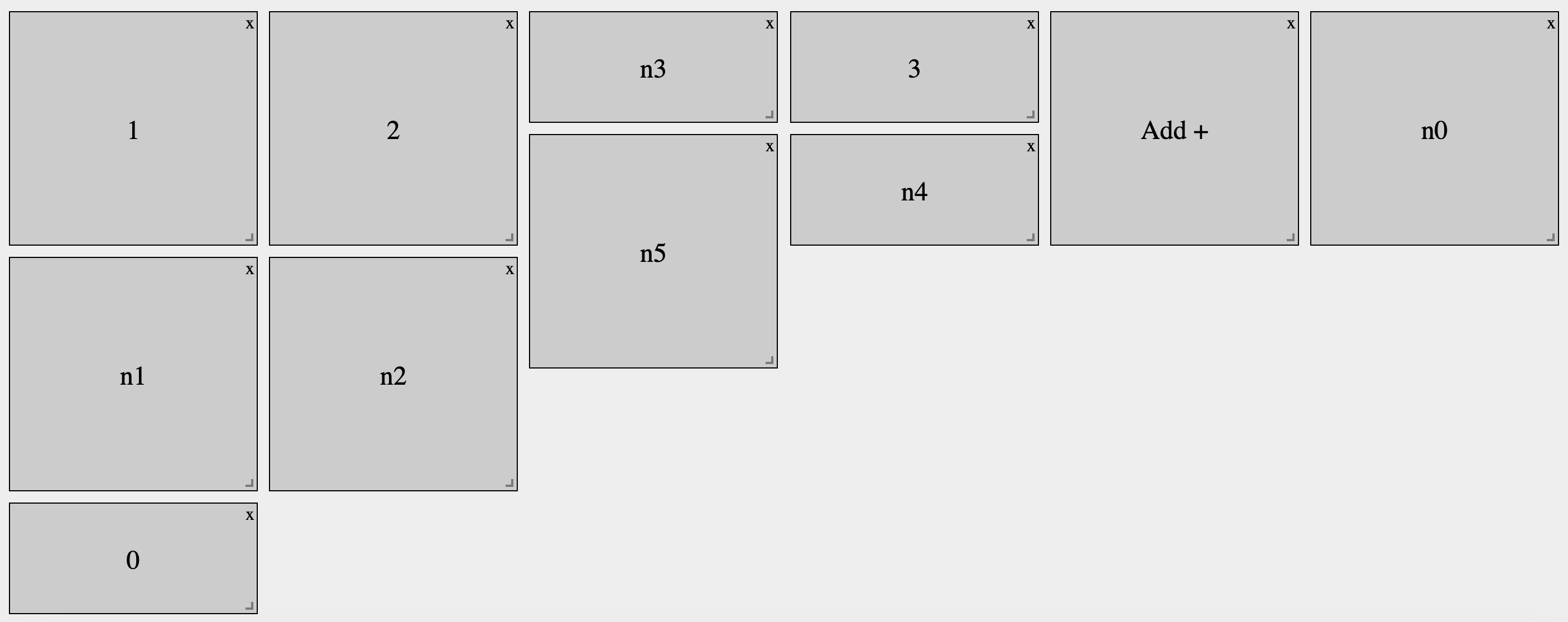
Read more here.
Auto-Layout
An additional feature is the forced auto-layout option. By setting the CUSTOM_ENV.autolayout = true variable, the system can override existing widget coordinates. This feature is particularly useful for ensuring a consistent layout across devices, even if widgets have predefined coordinates. When enabled, this auto-layout feature forcefully repositions widgets to create an optimized layout, regardless of their initial setup. This feature is invaluable for maintaining visual consistency and maximizing screen real estate, especially in scenarios where the dashboard needs to be quickly customized for different devices or where a consistent look and feel is required.