Proxy App Component
Introduction
This page is for developers creating microapps that require OAuth authentication with third-party providers.
It explains what the @invent/proxy-app-components library does: it provides a login flow that either displays a Microapp or prompts the user to authenticate, and lets your microapp make authenticated requests to third-party services through Invent's YARP proxy. The actual integration is now handled for you by the proxy-app-setup skill (see Implementation below), so this page focuses on the concepts rather than the code.
Microapp examples using this pattern include: Outlook Calendar, Redtail Notes, and others.
End-User Flow
The ProxyApp component will display the Microapp directly if the user is already authenticated with the target integration.
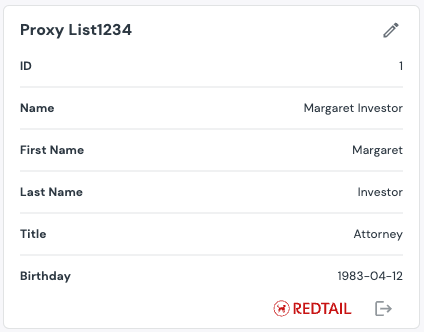
If not, a Connect button will appear:

Clicking this button opens an authentication modal:
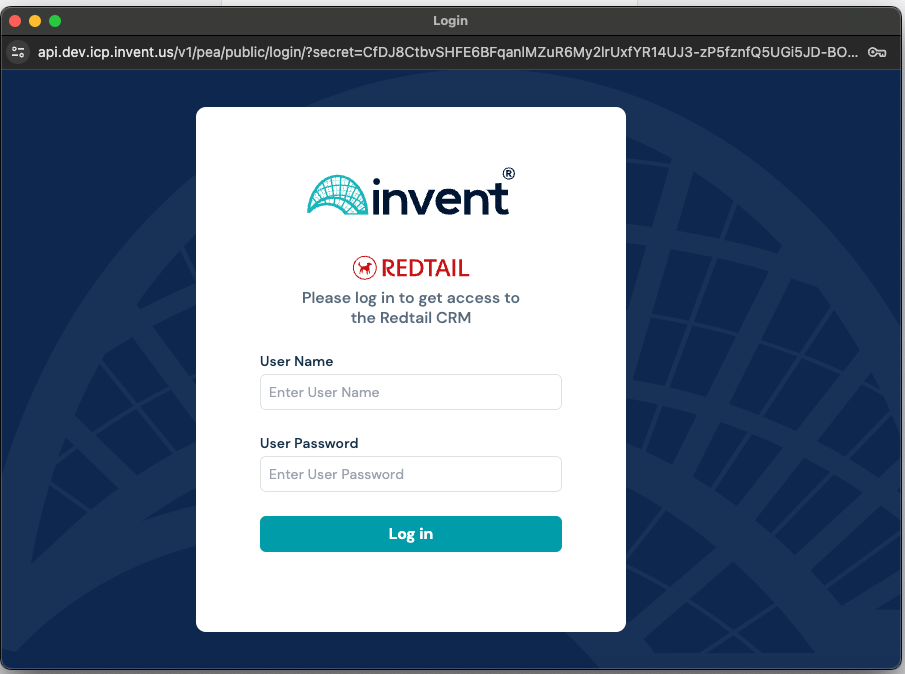
After successful login, the modal closes and the Microapp is shown in place of the login screen.
Installation
To get started, install the ProxyApp components package:
npm install @invent/proxy-app-components
Overview
The @invent/proxy-app-components library provides a set of components and hooks to facilitate the integration of third-party authentication flows into your microapps. It simplifies the process of handling OAuth authentication, managing user sessions, and making authenticated API calls to third-party services.
It offers several approaches to microapp development depending on your needs and the required flexibility.
Option 1: Using the ProxyApp component
This option is suitable for most cases where you simply need to integrate authentication and API proxying. It provides a ready-made component that handles the entire authentication process, allowing you to focus on developing your application.
Option 2: Using the ProxyAppMulti component
This option is suitable for cases where you need to support multiple accounts for the same provider. It not only handles authentication but also allows you to manage multiple accounts and switch between them.
Option 3: Using the ProxyLogin component
This option is suitable for cases where you need complete control over the authentication and integration process. It provides basic components and hooks that you can use to create your own solution. This option requires more development effort but offers maximum flexibility.
Implementation
You no longer need to wire up these components by hand. The proxy-app-setup skill integrates @invent/proxy-app-components for you — wrapping your widget with ProxyApp / ProxyAppMulti, configuring provider auth and proxyCall, and setting up error handling and the SharedFooter. Install it from the Invent skills marketplace (see the AI Quickstart) and ask Claude to add proxy authentication to your widget.
Looking for the manual, code-level integration walkthrough (ProxyApp/ProxyAppMulti/ProxyLogin usage and querying a third-party service via proxyCall/apiCall)? See the legacy Proxy App Component tutorial.